AI that helps run your daily operations
Keep requests moving and reduce manual CRM work. AI connects your CRM, email, and incoming requests, reviews calls, and prepares follow-up tasks. We usually pilot the first useful workflow in a couple of weeks.
When managers review only some calls, missed opportunities and lost deals can go unnoticed.
Calls go unreviewedLost deals and weak scripts go unnoticed, repeating the same problems every day.
CRM records are incompleteMissing notes and tasks make your CRM reports unreliable.
Old leads go untouchedInactive contacts may include potential customers you already paid to reach through advertising.
One AI layer across your business
AI helps your team follow up on inquiries from email and calls. Summaries, agreements, and next steps feed into the CRM, where your team can review deals and missing information.
Phone system
AI transcribes and reviews every conversationCRM
Records fill automatically with summaries, agreements, and tasks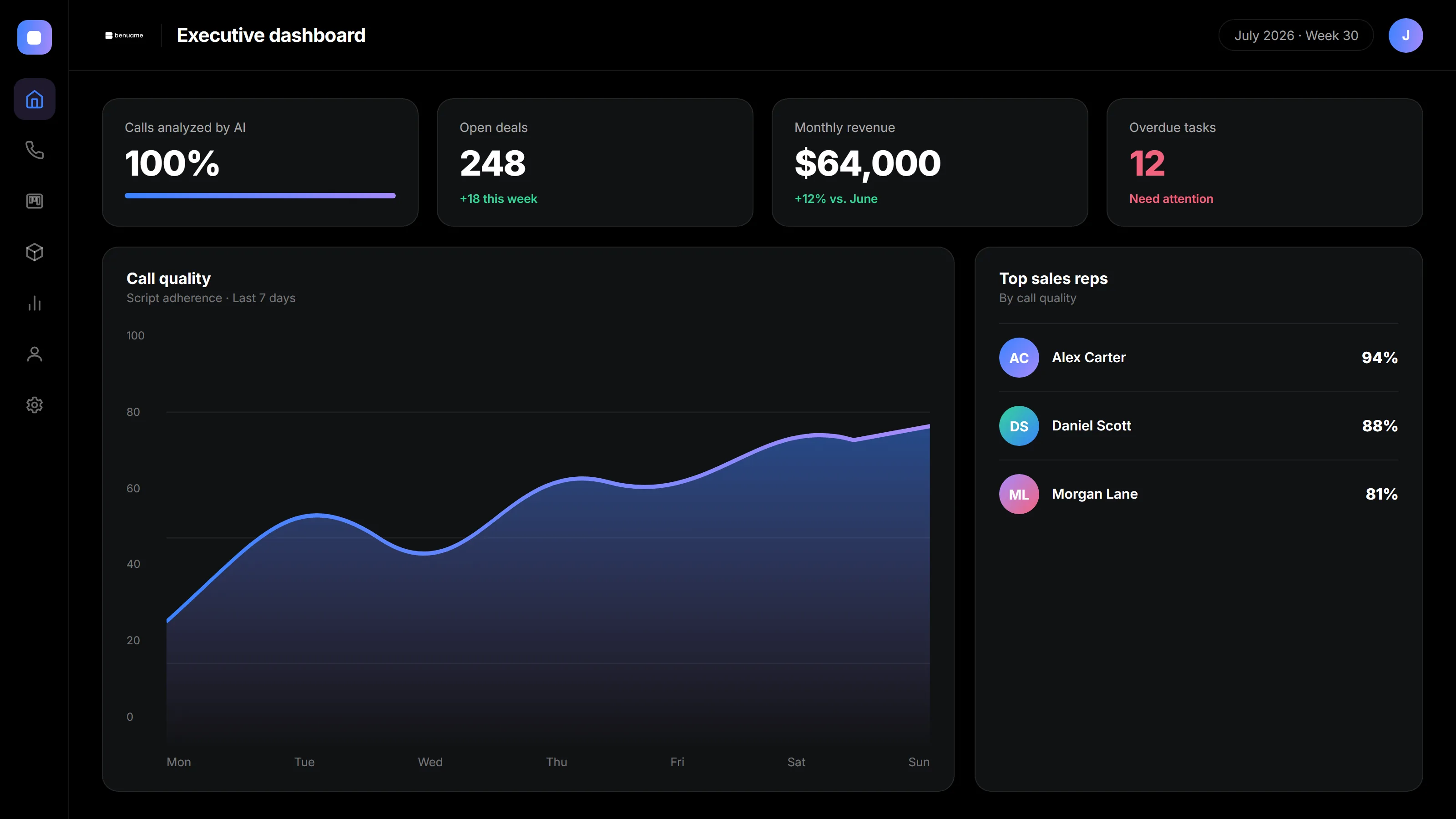
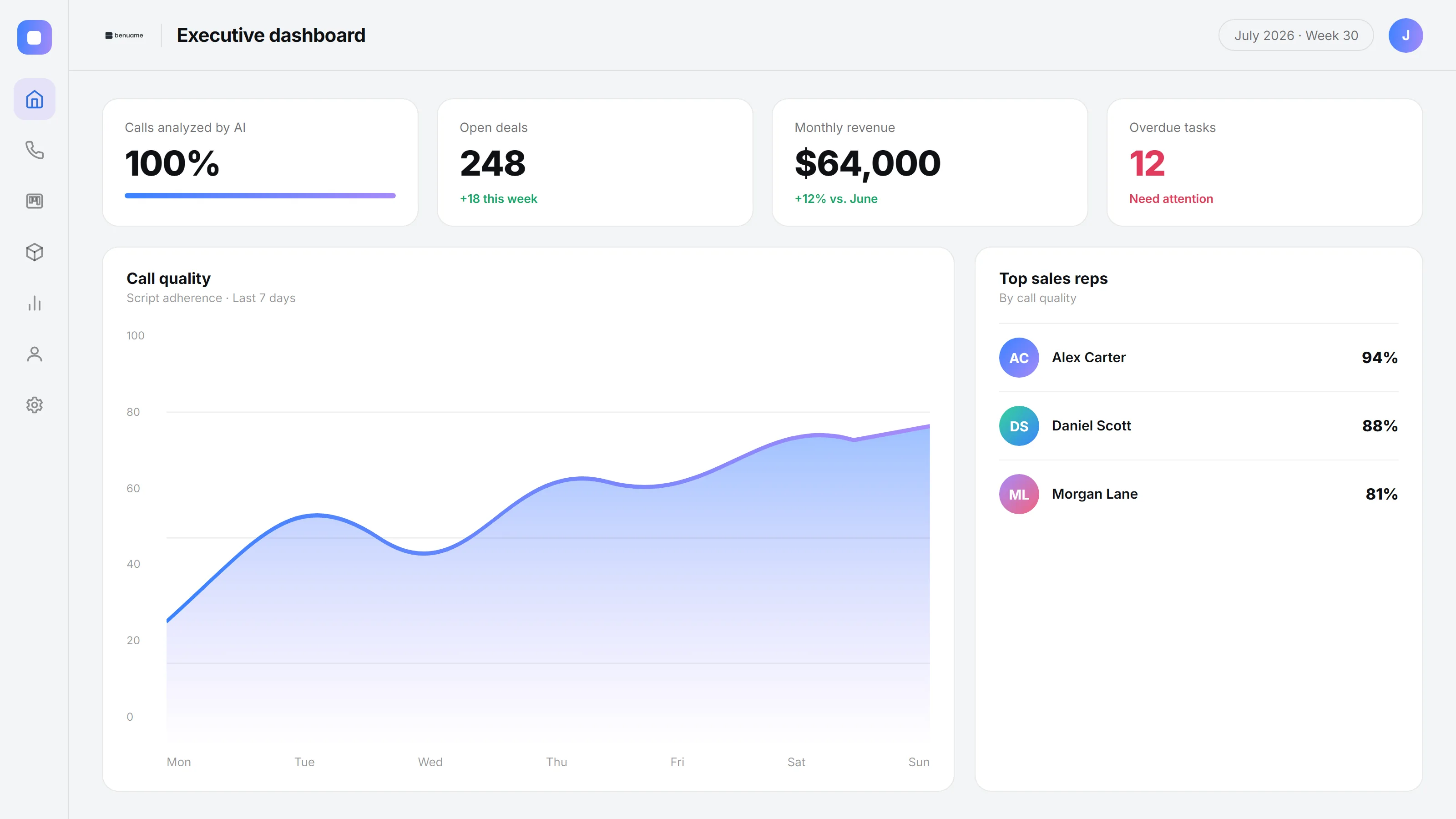
All companies, amounts, names, and contact details in these screenshots are fictional examples.
What AI handles for you
Specific work that used to happen manually or never got done at all.
Review every call
AI transcribes every conversation, checks scripts, and flags problematic wording and sentiment. Managers see the calls that need attention, beyond a small sample.
Automatic CRM updates
The request summary, agreements, and next step are recorded automatically.
Request tracking
Missing request details, incomplete CRM records, and overdue follow-up tasks are flagged.
Reengage inactive leads
AI reviews inactive contacts, identifies promising leads, and prepares a reason for your team to follow up. Your existing contact list can generate business again.
Reports without manual work
Daily summaries show revenue, stalled deals, and sales team performance automatically.
What it looks like in practice
AI fits into the systems you already use, so your team can work in familiar interfaces.
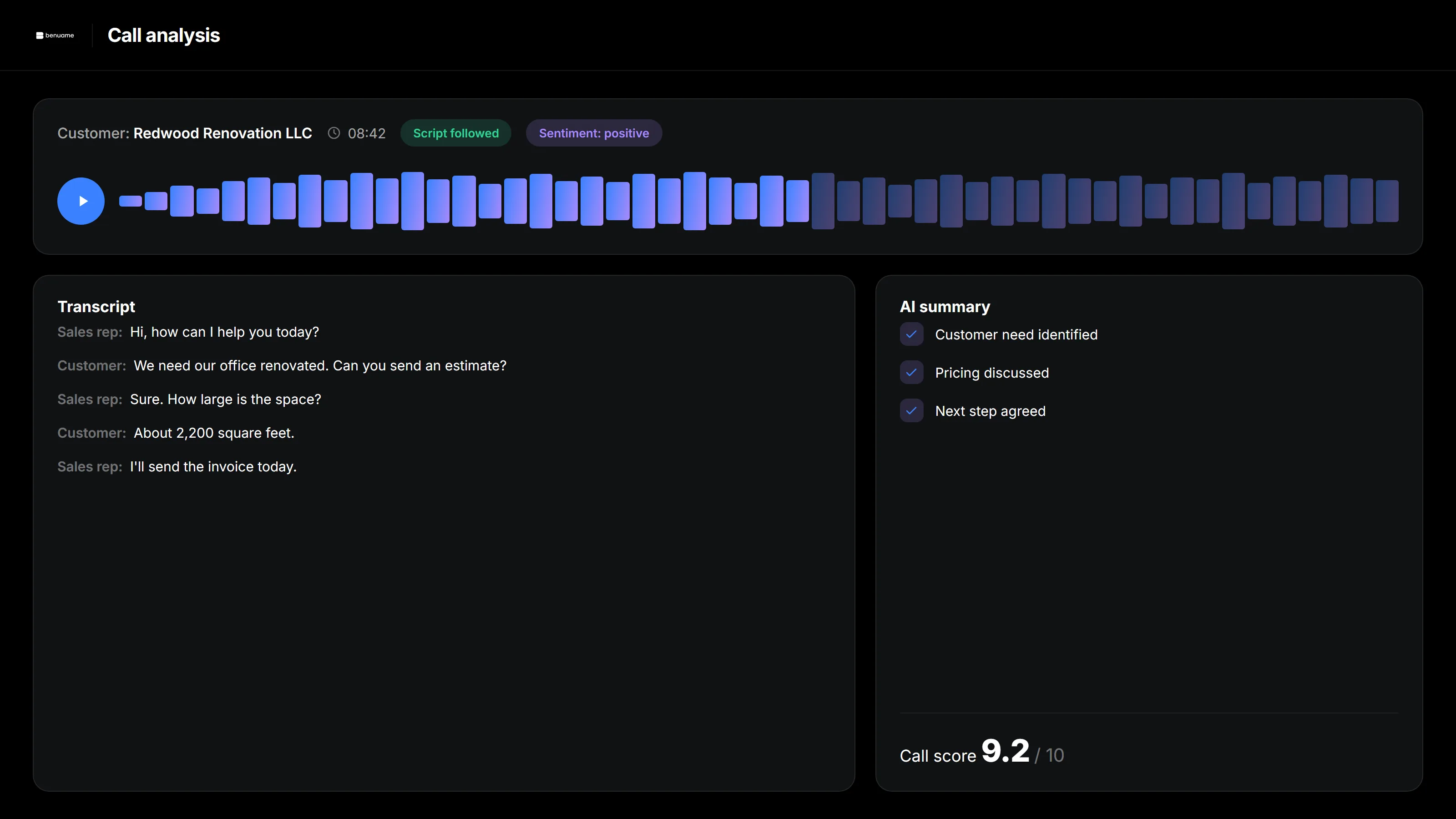
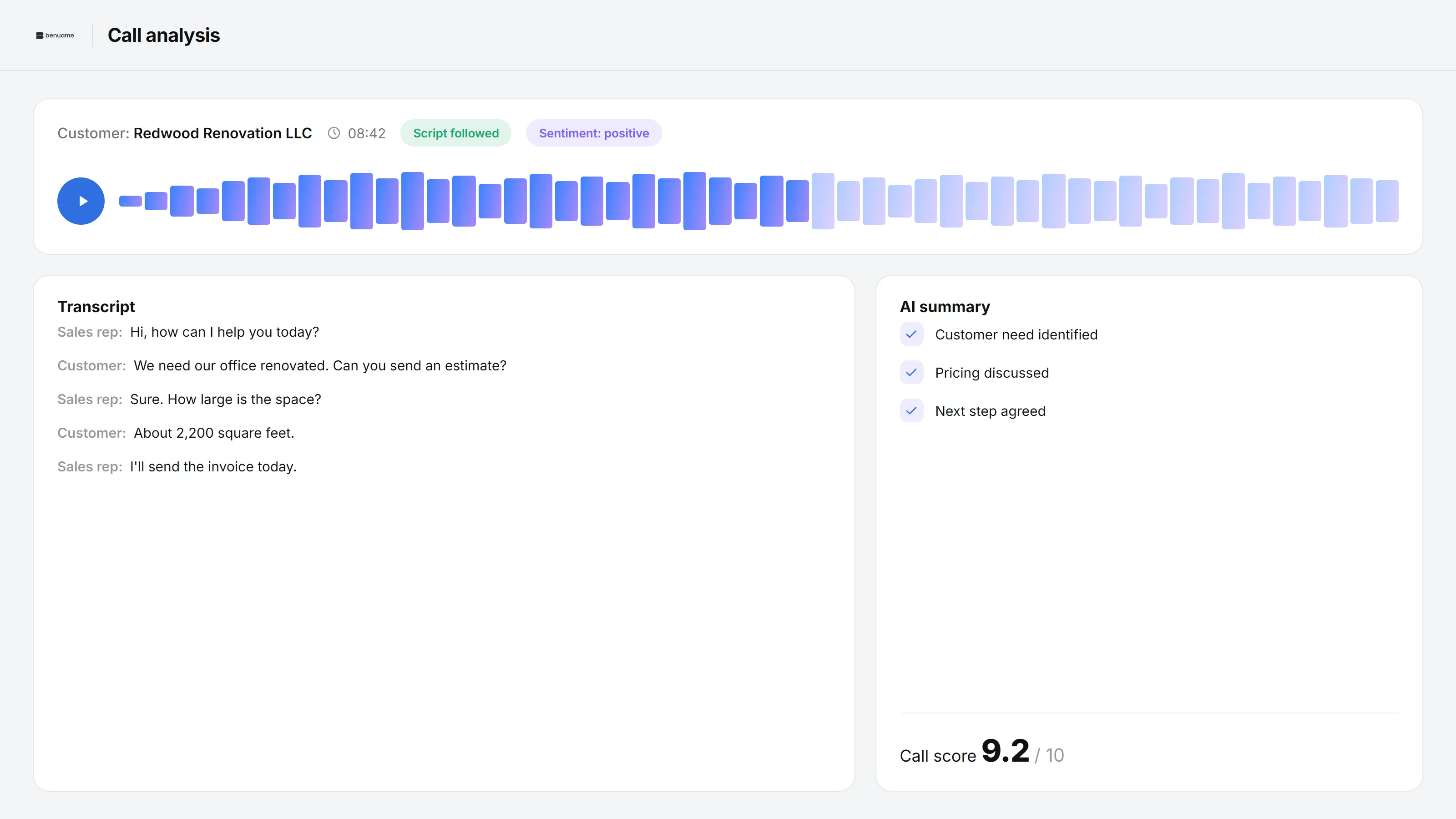
All companies, amounts, names, and contact details in these screenshots are fictional examples.
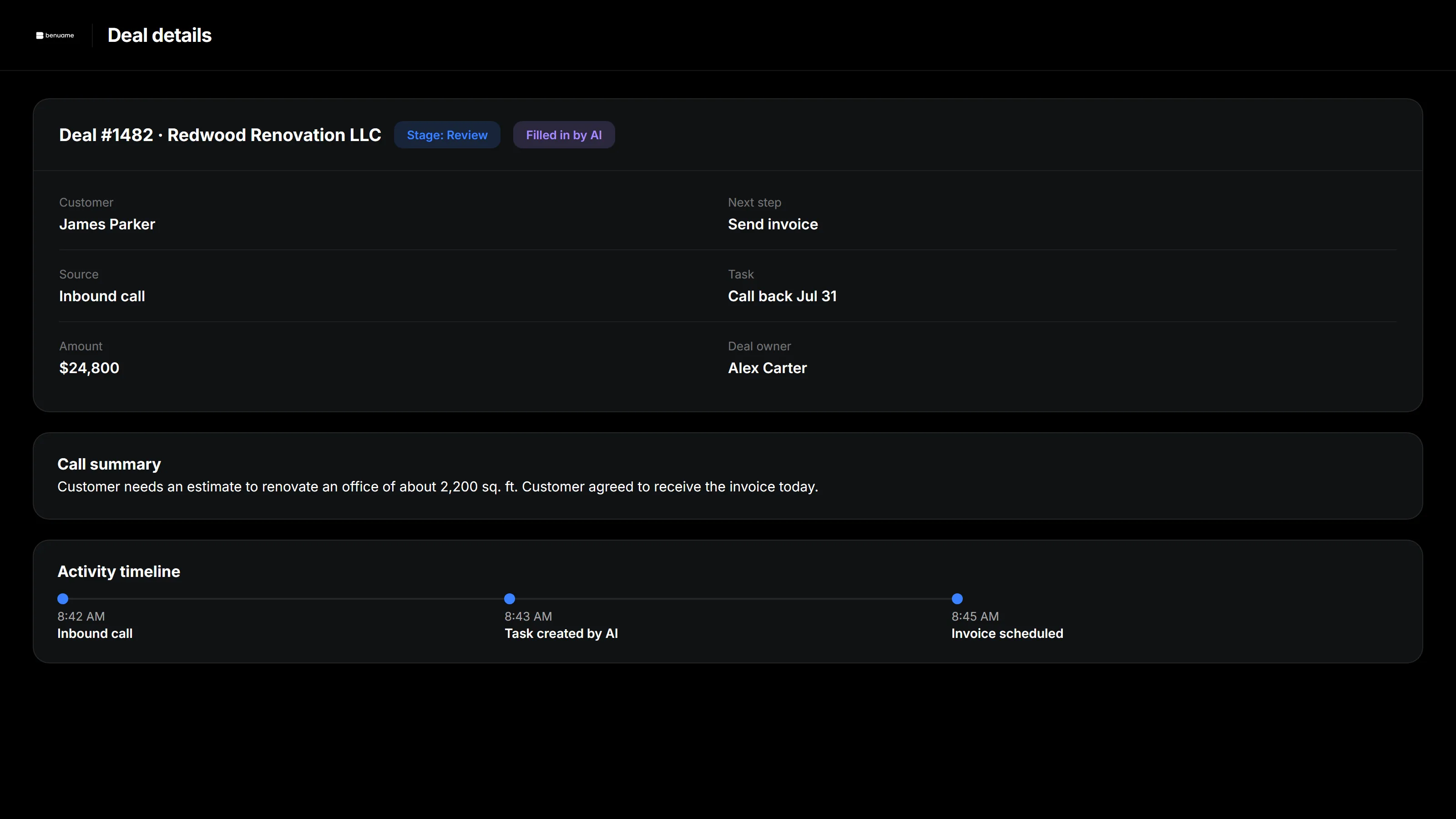
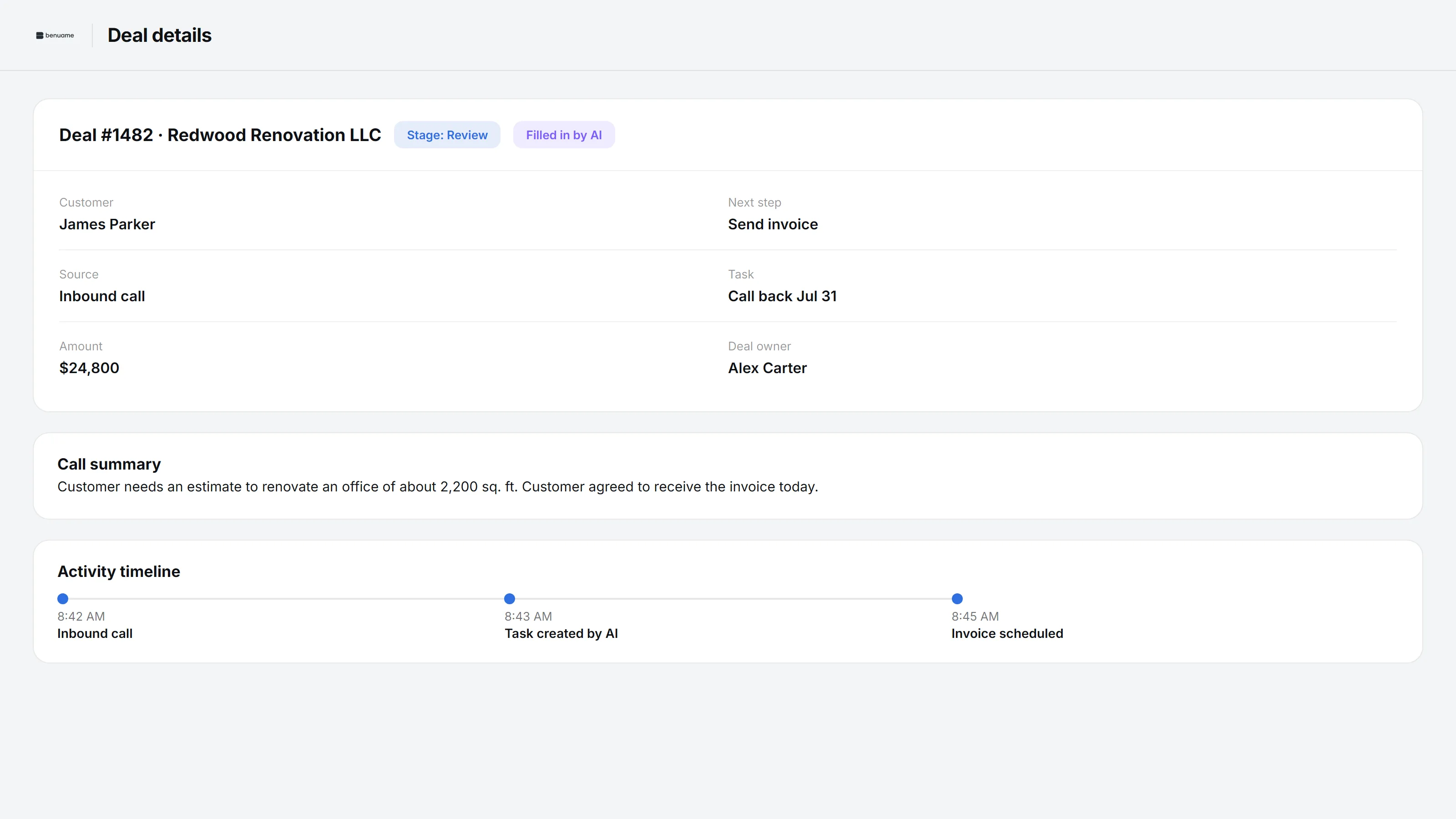
All companies, amounts, names, and contact details in these screenshots are fictional examples.
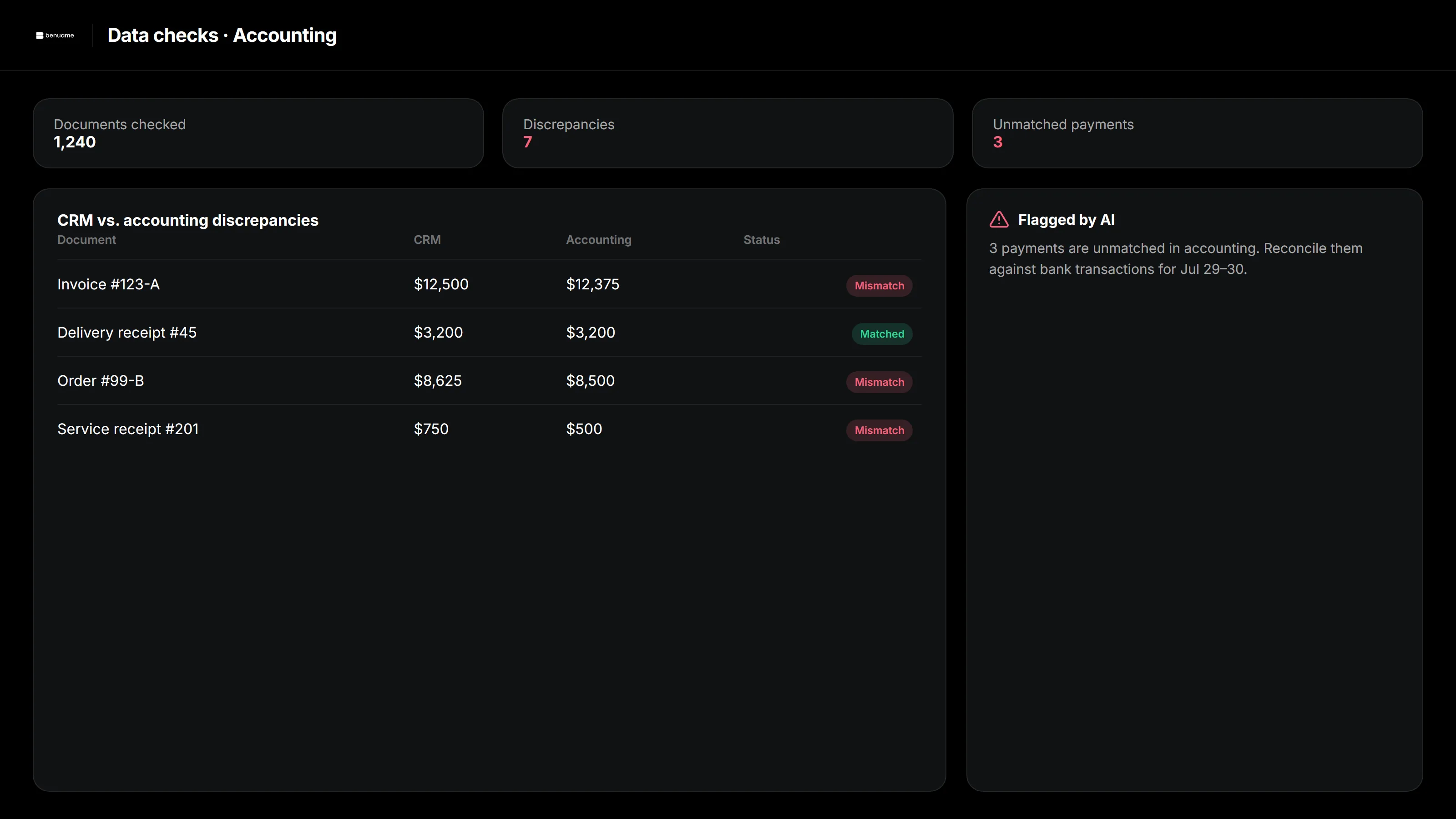
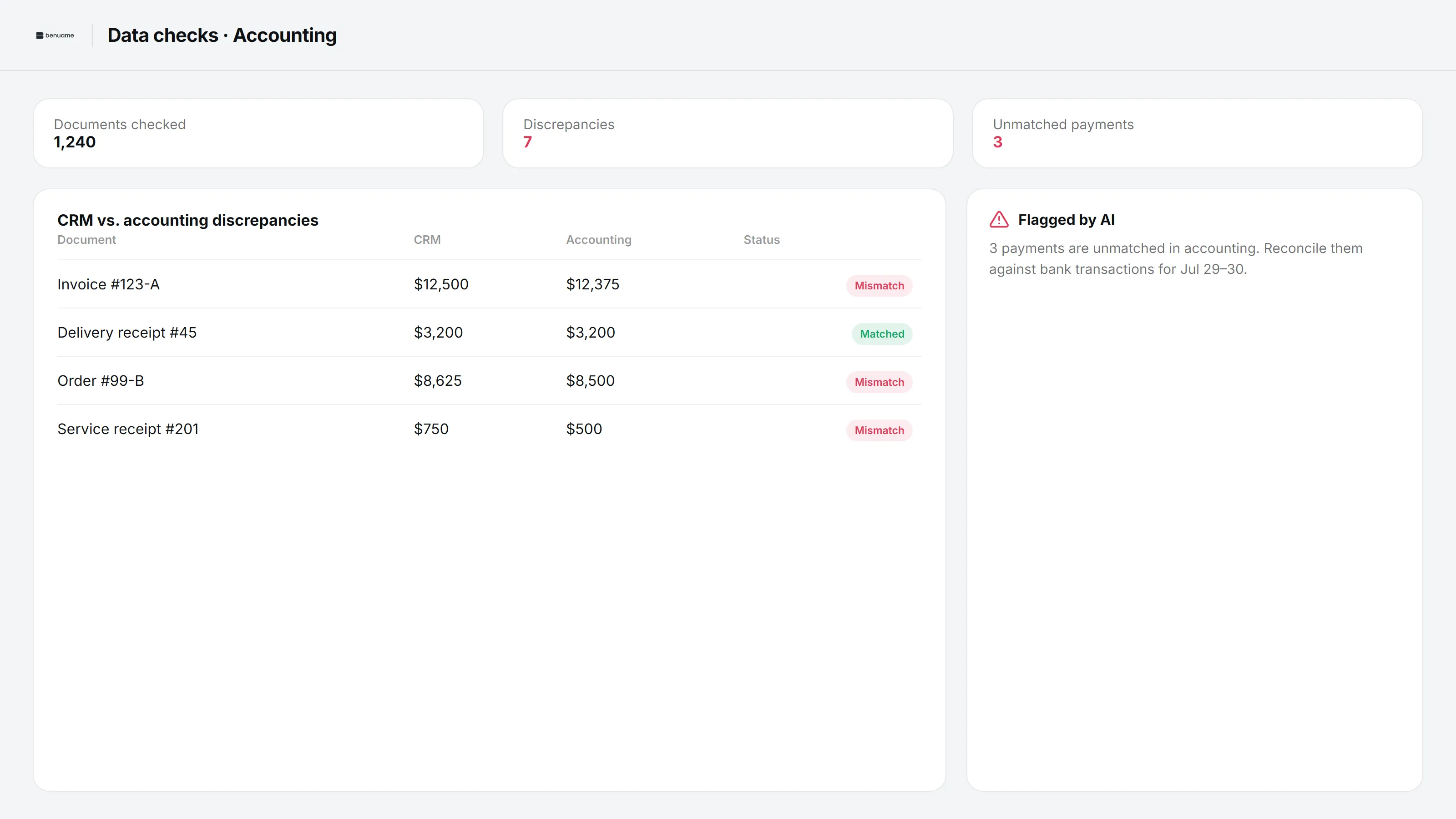
All companies, amounts, names, and contact details in these screenshots are fictional examples.
A regular bot and a connected AI system
Chatbot with manual oversight
- The bot answers questions in a single chat window
- Managers listen to a few calls out of a hundred
- Inconsistent CRM entries make reports unreliable
- Old leads sit untouched
- Call, email, and CRM reports are compiled manually
The benuame AI system
- AI connects calls, email, requests, and CRM records
- 100% of conversations reviewed
- CRM summaries and next steps are filled in automatically
- AI reengages inactive customers
- Management summaries are created automatically
How we implement it
We start with a pilot so you can see the value before a full rollout.
Process audit
We identify lost revenue and where AI can help most. We explain what makes sense to automate and what should stay manual.
Workflow and model selection
We define the AI tasks and choose a model suited to your data and its sensitivity.
Setup and training
We connect your CRM, email, and phone system, then configure AI around your scripts and request workflows. People keep control of important decisions.
Pilot
We start with selected calls and deals, compare results with real activity, and refine the setup. You see the value before expanding.
Rollout
We expand to the full workflow, add use cases, and continue supporting and improving the system.
Your data stays yours
AI works across your existing systems with rules that require human approval for important decisions.
How much does it cost?
Pricing depends on the tasks, systems, and volume of calls and data. We start with a free audit to show where AI can pay off for your business and provide an estimate.
Get an exact quoteFrequently asked questions
Fewer requests and calls get lost, sales staff spend less time on routine work, and inactive contacts generate new deals. We estimate the return for your business during the audit without promising arbitrary percentages.
We define access rules, choose a model for your data requirements, and keep important actions subject to human approval. You retain control of access to your systems.
AI works with your CRM and email under agreed rules. We start with a limited pilot, check the results, and refine the workflow before expanding it.
A chatbot answers questions in one window. This AI connects requests and emails to your CRM, reviews calls, prepares summaries, and flags missing information. People approve important actions.
We start there. We first set up pipelines and lead sources, including website requests and email. Then we add the AI layer. This can be one project.
We usually pilot the first useful workflow, such as call analysis and automatic CRM updates, in a couple of weeks. Email and request workflows, reporting, and lead reengagement roll out in stages. We confirm timing after the audit.
Start with an organized CRM
AI needs reliable CRM records to work with. We set up pipelines, website and email lead sources, and follow-up tasks before adding AI. CRM Setup.
Where could AI pay off in your business?
A free audit of your processes, opportunities, and estimated costs. No obligation.
Send a request